Category: Windows
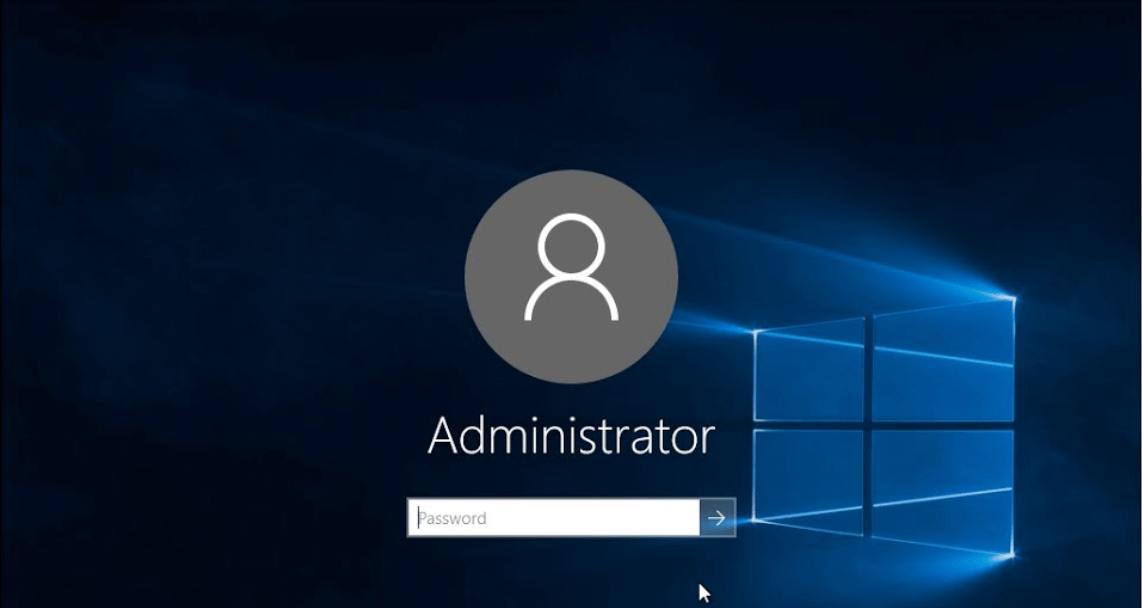
How to Change Administrator on Windows 10 and Windows 11
Follow this guide to easily change administrator on Windows 11 and Windows 10 computers. Find the top reasons and FAQs based on this topic.

How to Fix Valorant not uninstalling Windows 11 – Remove Valorant Completely
Online gaming has become increasingly popular, with many gamers enjoying multiplayer games. One such game that has gained a significant following is Valorant. However, like any software, Valorant is not immune to technical issues, and one common problem that players encounter is the difficulty in uninstalling the game, particularly on the Windows 11 operating system. […]
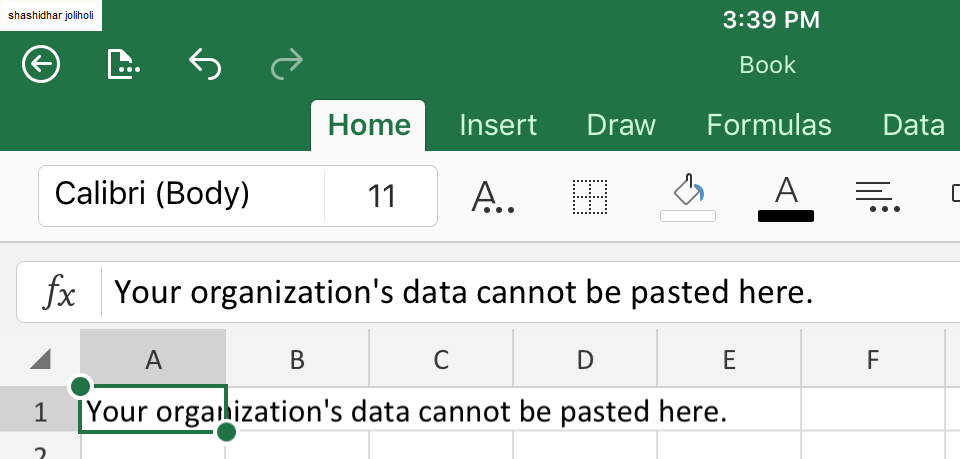
Your Organization’s Data Cannot Be Pasted Here: 7 Ways to Fix It
Encountering the “Your organization’s data cannot be pasted here” error can be frustrating, but armed with the right knowledge and troubleshooting steps, you can quickly overcome this hurdle.
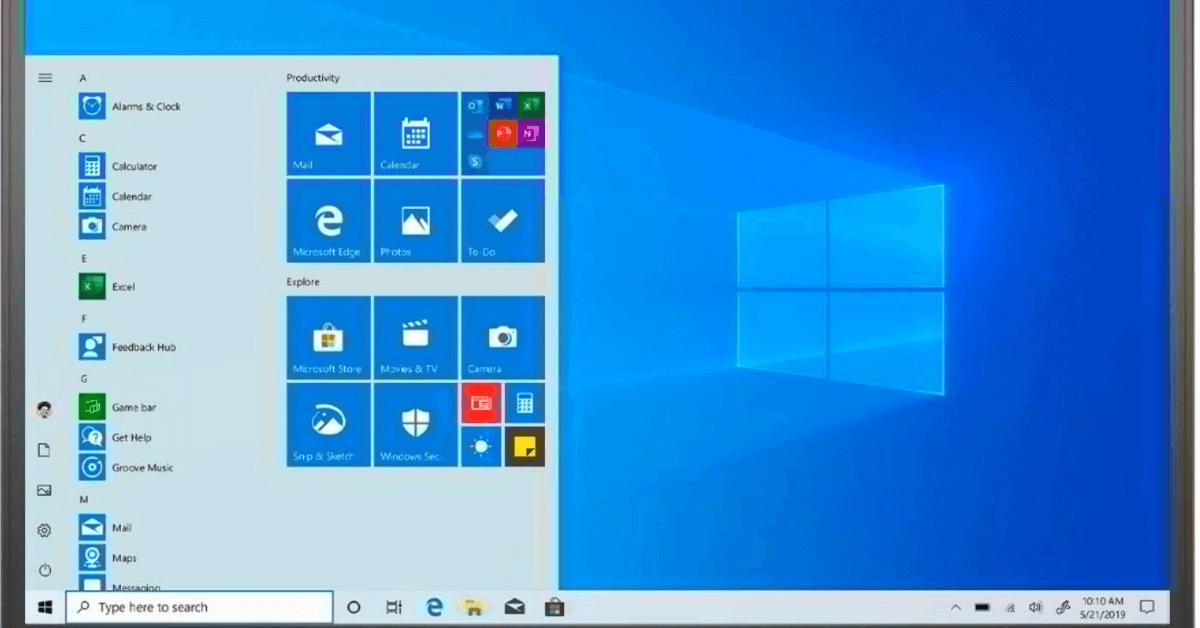
How to Factory Reset Dell Laptop Without Password: Quick Solutions
Factory resetting a Dell laptop can be a useful solution in various scenarios, such as when you want to sell your laptop, encounter system issues, or simply want to start fresh. However, one common challenge users face is the need to reset their laptops without a password. Here, we will explore some quick solutions to factory […]
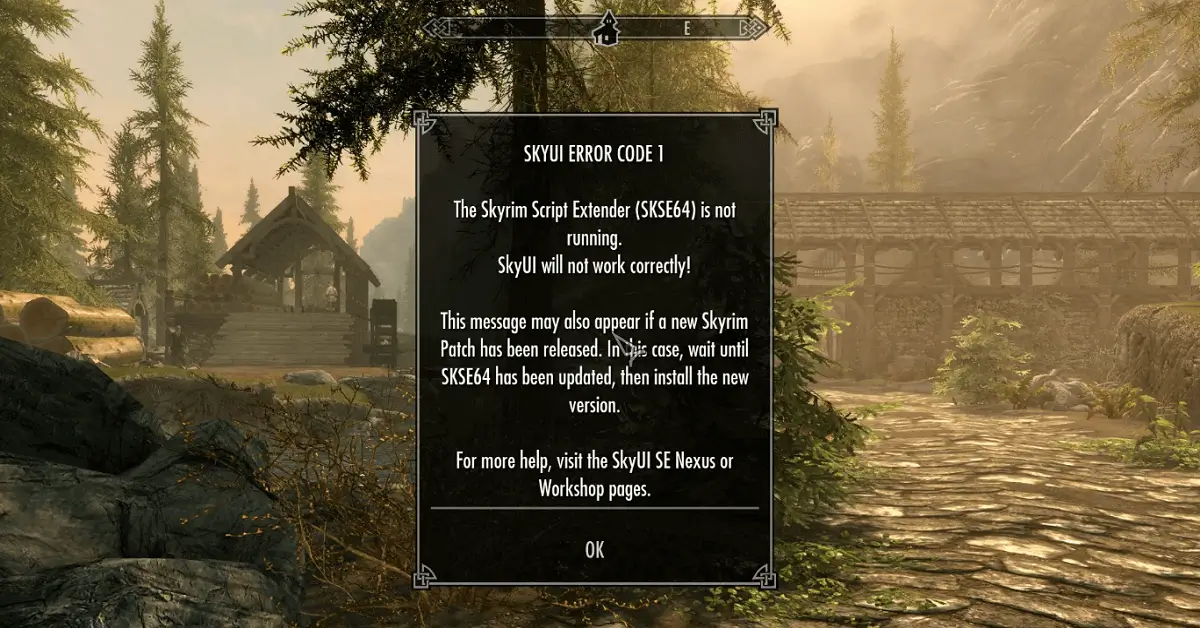
How to Fix SKYUI Error Code 1 (2024): Best Solutions
Find the best ways to fix SKYUI Error Code 1 and enjoy undisturbed gaming experience.
My Asus Laptop Won’t Turn On: 13 Ways to Fix
Wondering, why your Asus laptop won’t turn on? Know the 13 ways to fix the issue.
Windows 11 PC Keeps Freezing Randomly: Top 10 Solutions
Resolve Windows 11’s random freezing issues with these comprehensive troubleshooting steps. From updating drivers to adjusting power settings follow these solutions to optimize your PC’s performance.

How To Fix PC Turns On But No Display Error On Windows 11 And Windows 10
Discover troubleshooting steps to resolve the ‘PC Turns On But No Display’ error on Windows 11 and Windows 10. Learn how to tackle this frustrating issue effectively and get your system back up and running.
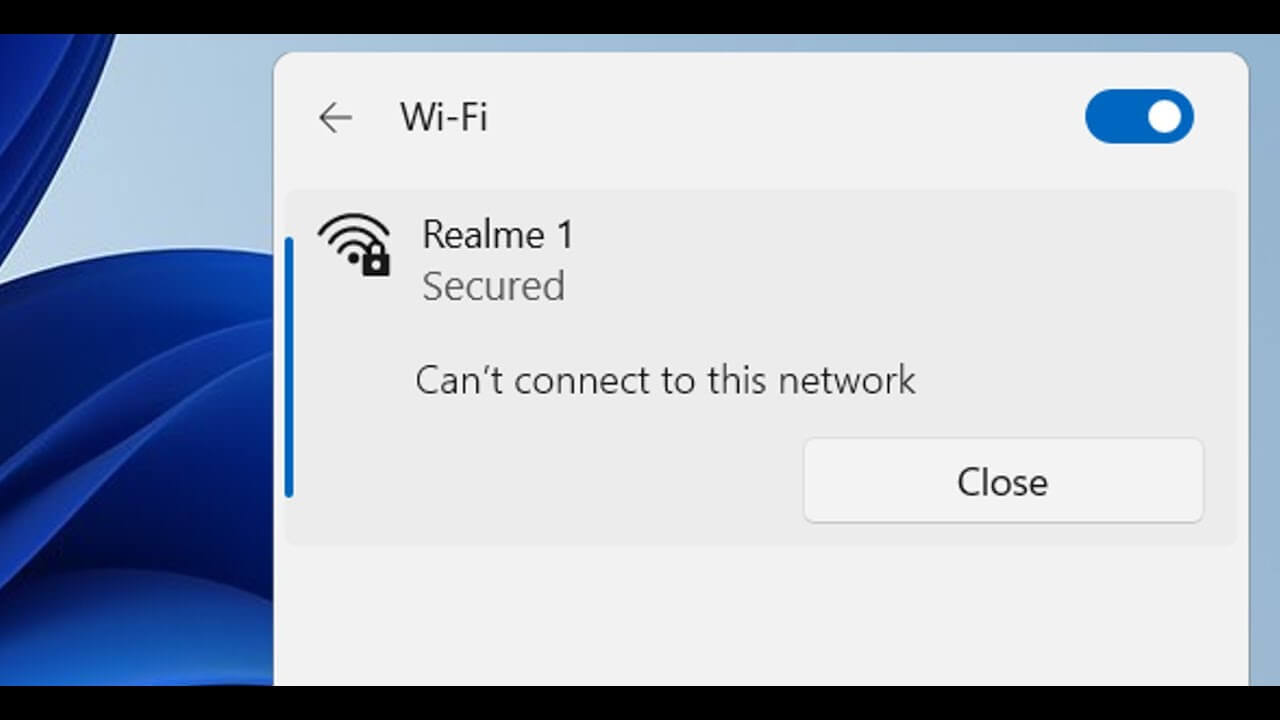
Fix the “Windows Can’t Connect to This Network” In Windows 11
Introduction Windows losing its network connection without warning may be very upsetting. Whatever the connection to your Wi-Fi is steady, you could still see the error message “Windows can’t connect to this network.” Fortunately, you may attempt a variety of options. This article will examine five solutions to a Windows computer’s inability to link to […]
How to Update DirectX on Windows 11?
Introduction: Did the thought about the DirectX update just cross your mind? We have got you covered. To improve the multimedia and gaming experience on Windows systems, DirectX is essential. It offers the underlying technology necessary for the smooth operation of graphics, audio, and multimedia applications. Updating DirectX becomes crucial as Windows 11 continues to […]