Category: How To
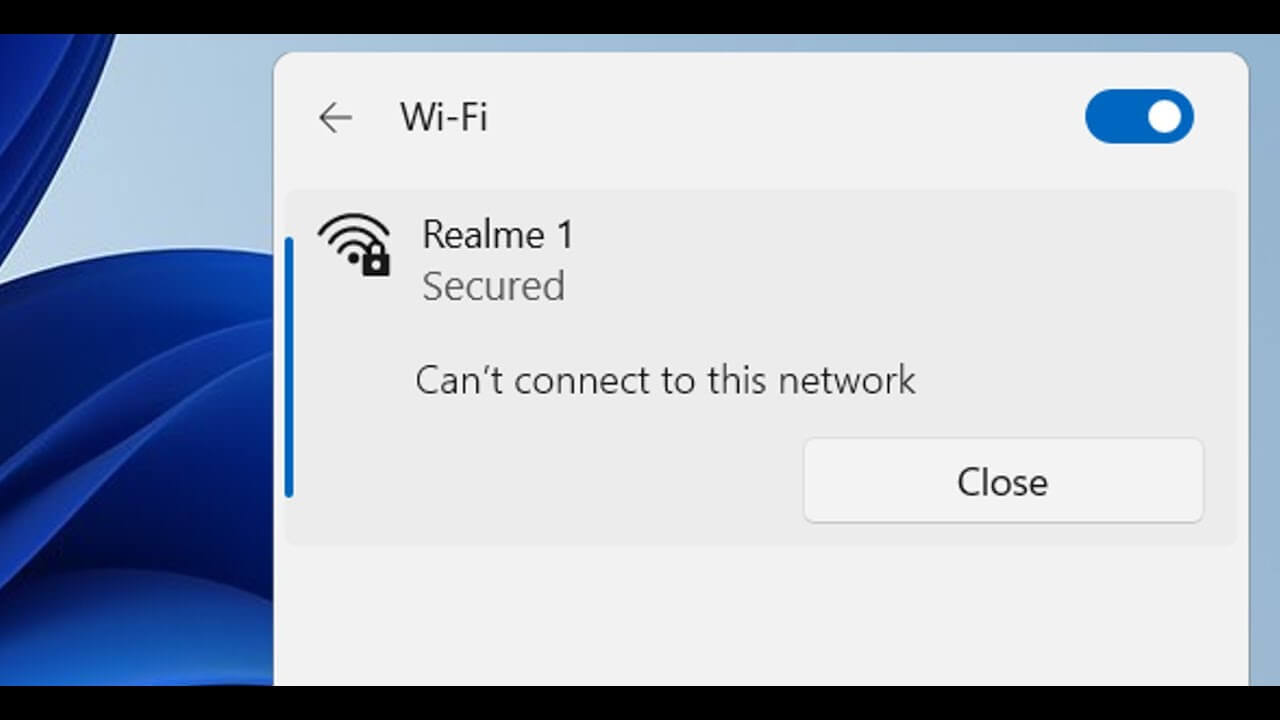
Fix the “Windows Can’t Connect to This Network” In Windows 11
Introduction Windows losing its network connection without warning may be very upsetting. Whatever the connection to your Wi-Fi is steady, you could still see the error message “Windows can’t connect to this network.” Fortunately, you may attempt a variety of options. This article will examine five solutions to a Windows computer’s inability to link to […]
How to Update DirectX on Windows 11?
Introduction: Did the thought about the DirectX update just cross your mind? We have got you covered. To improve the multimedia and gaming experience on Windows systems, DirectX is essential. It offers the underlying technology necessary for the smooth operation of graphics, audio, and multimedia applications. Updating DirectX becomes crucial as Windows 11 continues to […]
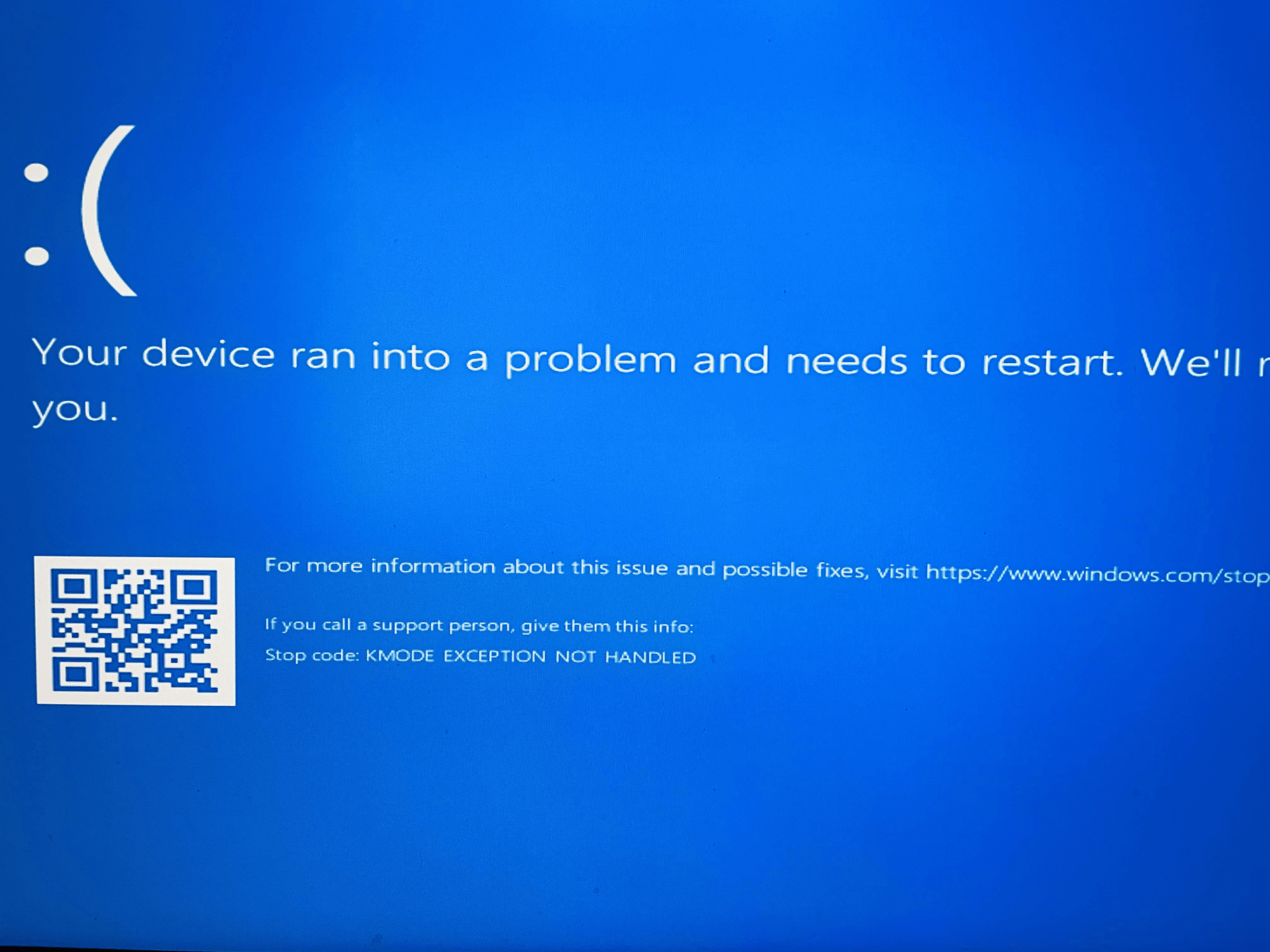
How to Fix a Kmode Exception Not Handled Error in Windows
If you use Windows frequently, encountering bugs and errors is quite inevitable, especially the Blue Screen of Death (BSOD) errors. And well, one such frustrating issue is the kmode exception not handled error that barges out of the blue hindering your workflow. Whether you are a tech-savvy enthusiast or a casual user, understanding and resolving […]
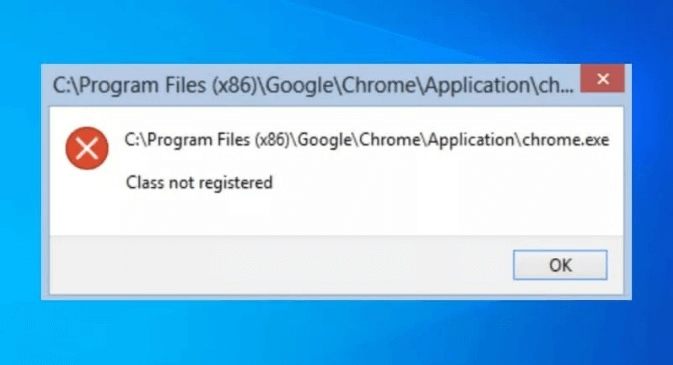
How to Fix the “Class not Registered” Error on Windows
If you’ve ever encountered the frustrating “Class not Registered” error message on your Windows computer, you’re not alone. This common issue can occur when you attempt to open a file, launch an application, or perform certain actions on your system. It often leaves users puzzled and wondering what went wrong. The “Class not Registered” error […]
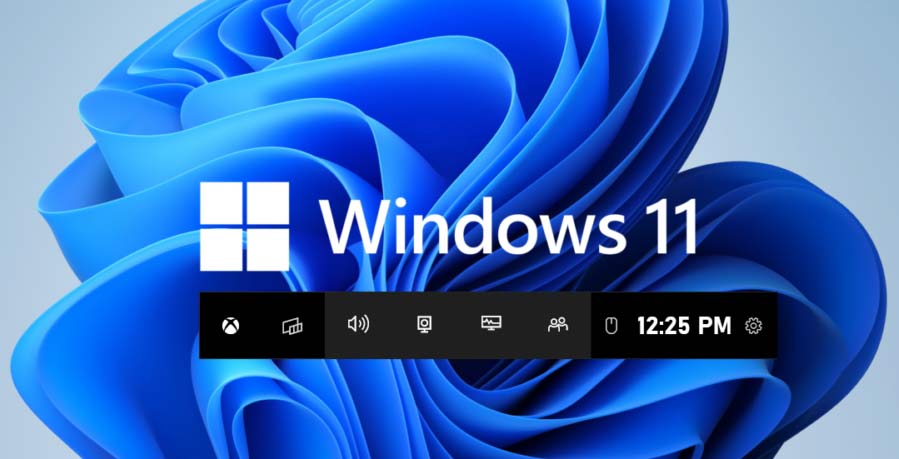
How to Screen Record on Windows 11 With & Without Snipping Tool
Open the Snipping Tool to begin a screen recording in Windows 11 to capture what is on your screen. You can also open the Game Bar on your Xbox by pressing Windows+G, then launch the recording window and tap the record button. Use a third-party program, such as OBS, ScreenPresso, or GeForce Service, to record […]
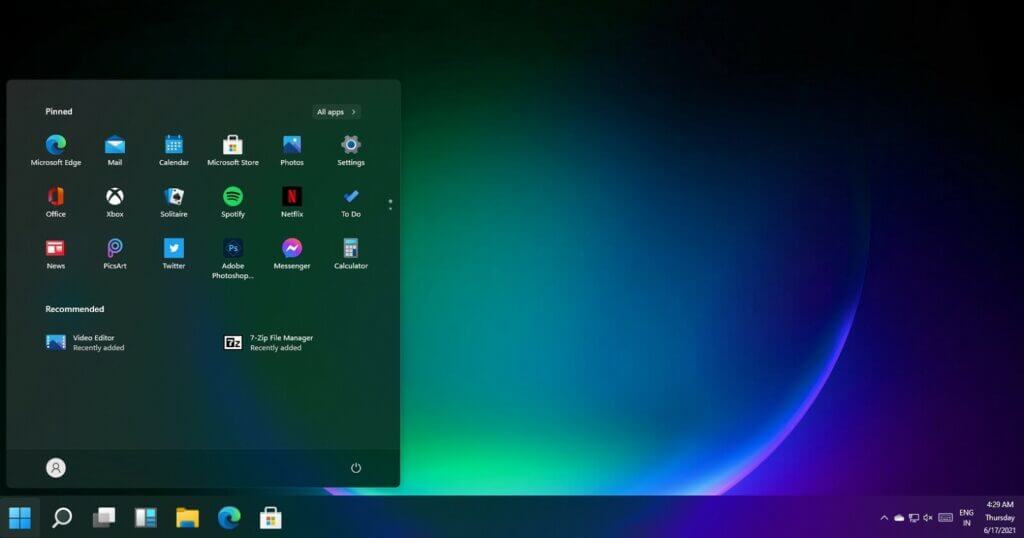
How to Customize the Taskbar in Windows 11
The taskbar is very useful for quick access to any other Windows directly from the Taskbar panel. But are you aware of the advantages and features you can access with a taskbar? Many people have no clue about what you can do with your Taskbar and how you can customize it. Therefore, you can enjoy […]
How to Extract Text from Images on Windows?
Sharing information in different file formats, like images, videos, and documents, is relatively simple. Sometimes, these files have content more commonly seen in other formats, like written text in image files. For example, if you scan the book pages, forms, or a receipt, the file will be in image format but with written content within. […]
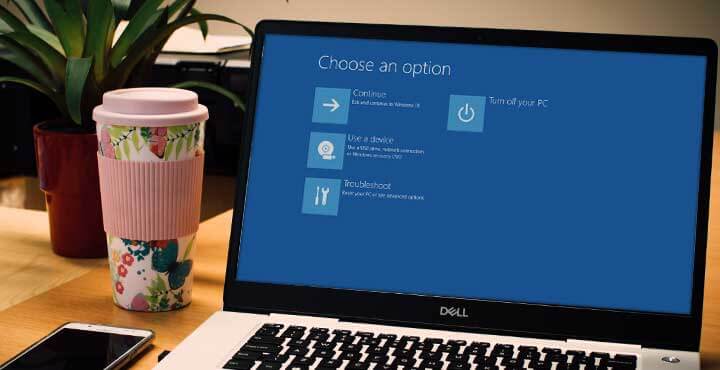
How to Disable Fast Startup on Windows 10?
Windows 10 users get to use a lot of features aiming to improve user experience with different computer-based functions. The Fast Startup feature is an upgrade from the Windows 8 Fast Boot function. The new version assures a speedier boot-up process but is slightly complex. Users sometimes find functional defects in the Fast Startup process, […]

How to Fix “This Webpage Was Reloaded Because a Problem Occurred” on a Mac?
What comes to your mind when asked about internet surfing on a Mac? It is unarguably Safari! Safari is the preferred internet browser choice for Mac users globally. It is customized to work seamlessly on Apple’s hardware while optimizing battery performance. Safari ensures web browsing, viewing, link previews, and translation of web pages. However, being […]
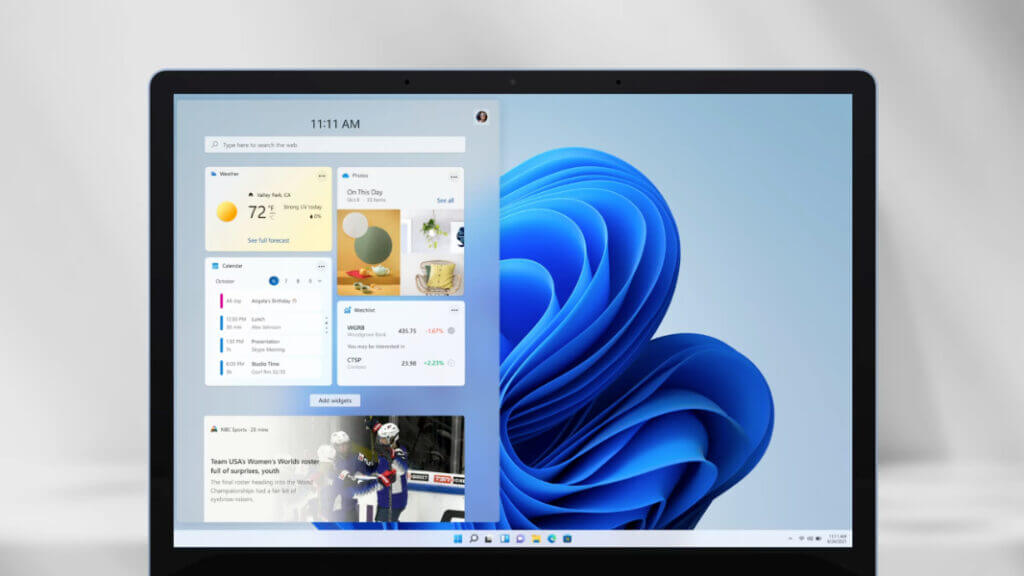
How to Add Widgets to the Windows 11 Desktop?
Microsoft has introduced different functions available in the Windows software versions to improve the user experience. The Widgets panel, noticeable in the Windows 11 version, is similar but an upgrade from the Windows 10 News and Interests panel. If you want to add widgets, Windows 11 allows you to do so easily in this panel. […]