Category: Tips & Tricks

15 Ways to Fix Windows Can’t Connect to this Network Error
The internet is a part of life today. No work or play is possible without the network. Thus, the whole hell will break down when your Windows device shows a “Can’t connect to this error” message. Windows has powerful network drivers that let you enjoy fast and stable internet connectivity. However, sometimes Windows users encounter […]

9 Simple Ways to Fix High CPU Usage in Chromium Browsers
Chromium-based web browsers are extremely popular today. It is a free and open-source web browser technology developed by Google. Google Chrome is the best chromium-browser used across multiple devices. This technology has been now opted by pioneers like Microsoft and Opera. Chromium browsers are fast, compatible and high performing compared to other web browsers. But […]
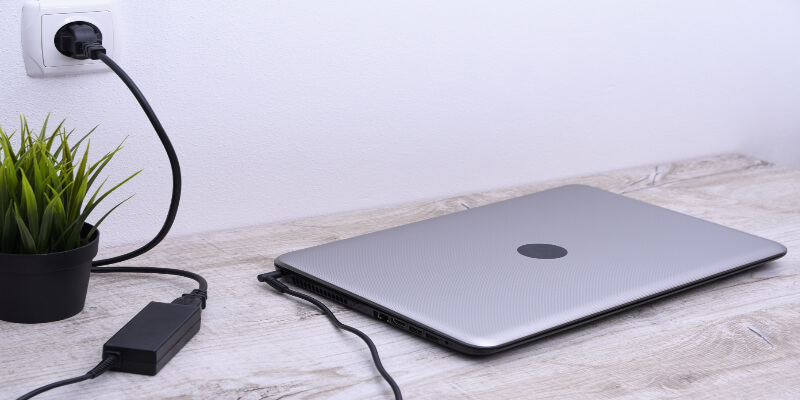
How to Fix Laptop Plugged in not Charging Error in Windows
The laptop plugged in not charging error in Windows is a serious one. It shows that something is not right with your laptop’s battery. And we all know how crucial batteries are for laptops. However, before concluding that your laptop’s battery is dead, you can run some simple troubleshoots to fix the laptop plugged in, […]
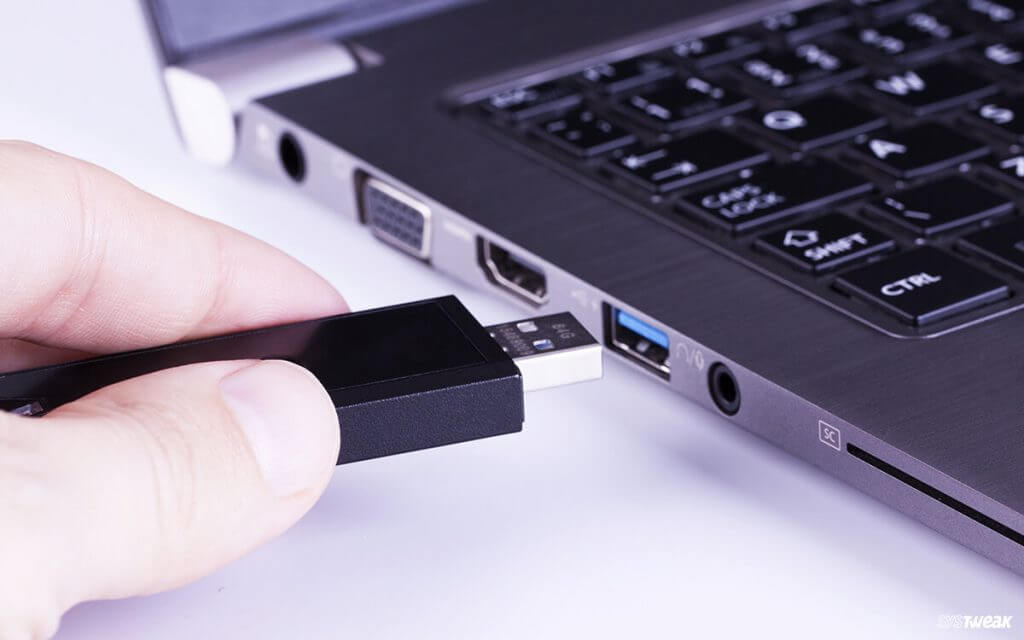
How to Enable or Disable USB Port in Windows 11
Have you ever encountered blocked USB drive access? We believe the answer will be yes; you must have dealt with many USB drive issues. This happens because administrators have disabled USB drive detection on your Windows 11. Disabling the USB port in Windows 11 is important to protect your data as anyone can connect an […]

How to Fix Bluetooth Not Working in Windows 11
Switching from Windows 10 to Windows 11 has not been smooth for many users. Some Windows 11 users have faced several system glitches after moving to the latest Microsoft OS. Bluetooth not working in Windows 11 is the most prevalent issue. Many users have complained that their Bluetooth icon is missing for them or they […]

How to Fix “Zoom Share Screen Not Working” on Windows 11
Zoom is the most important app today to conduct virtual meetings and share presentations. But unfortunately, Zoom is not a perfect video conferencing tool. Many users have complained about the error code 105035 while sharing the screen on Zoom. The Zoom screen share not working is a pretty common and fixable problem. Often small issues […]
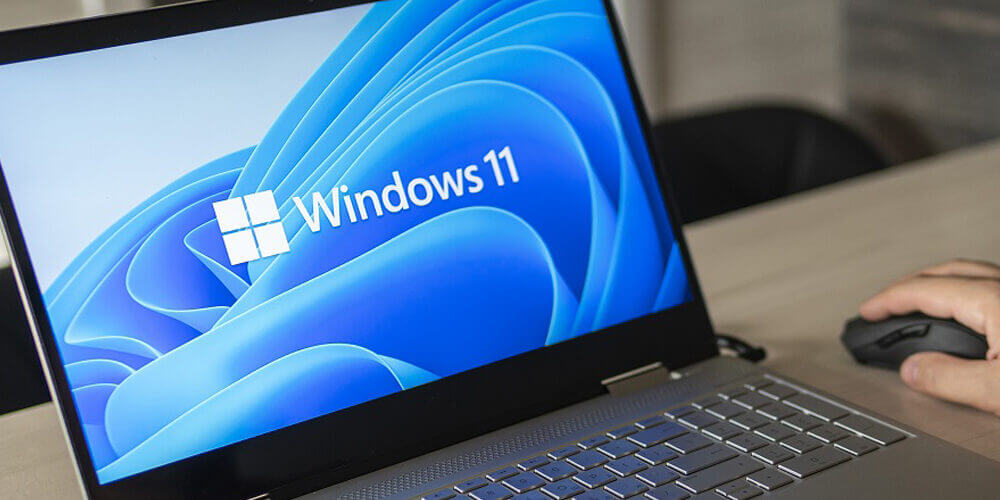
Here’s How to Change Taskbar Color in Windows 11
Windows 11 is a stylish operating system. It already has stunning graphics and an intuitive color palette to enhance the user experience. But if you want to customize your Windows 11 system, it is also easy. You can easily change the Taskbar color in Windows 11 to personalize your desktop. Besides color, you can also […]
How to Fix Windows 11 Lagging After the Update? — Top 10 Solutions
Have you recently updated your Windows 11 OS? But, instead of getting better performance, you encounter Bluetooth errors, WiFi connection issues, and other system glitches. Then, you are not the only one dealing with the Windows 11 lagging after an update problem. In fact, many Windows 11 users have complained about system crashes, freezing, and […]
Here’s How To Fix USB Keeps Disconnecting In Windows 10: 7 Methods
Imagine you have to download an important file from your office USB drive and email it to your client. But, your USB keeps disconnecting in Windows 10, making it difficult for you to download the file. Now, that is a super annoying situation. In fact, you might want to throw your computer outside when it […]
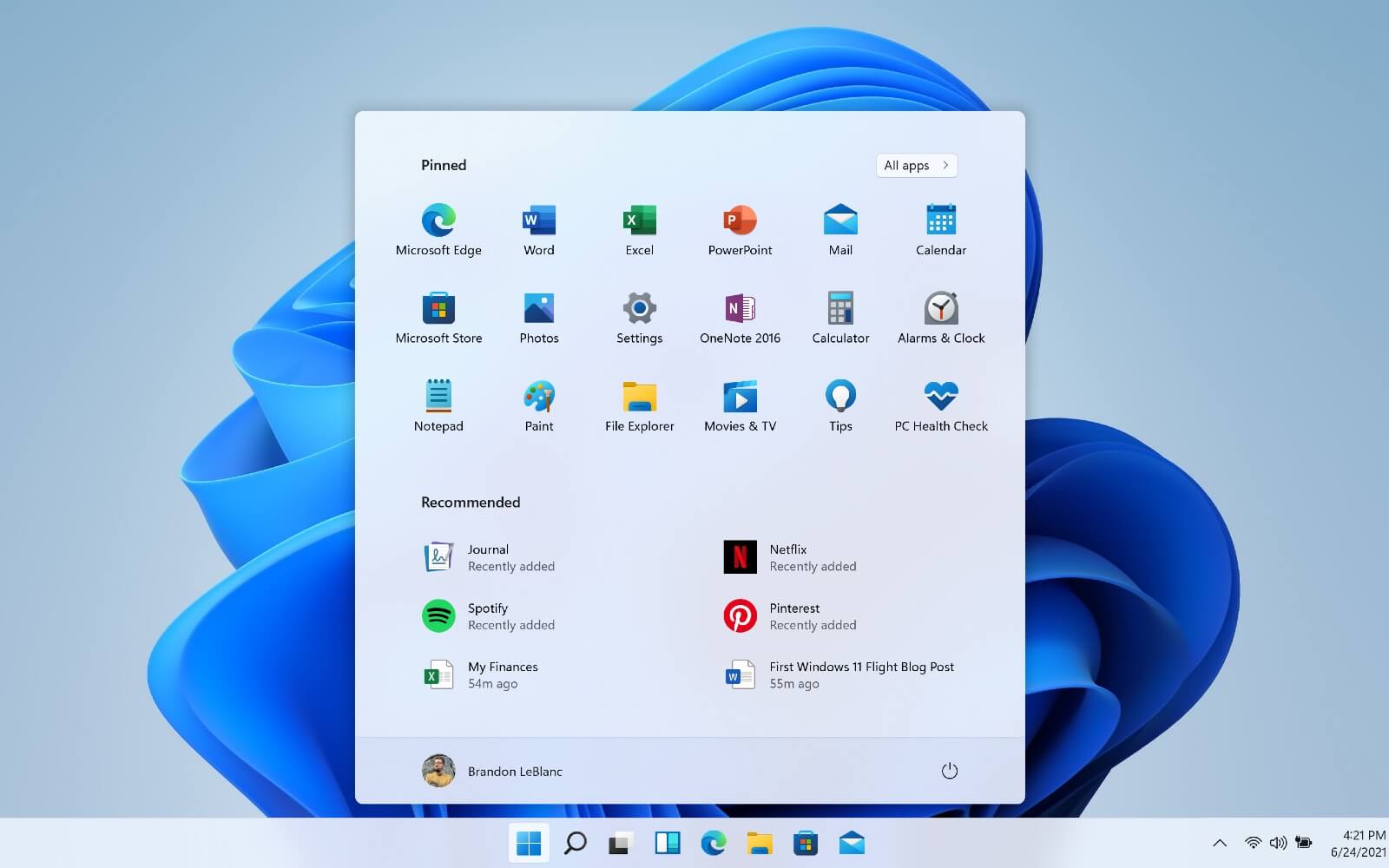
How to Find Your Windows 11 Product Key? — 7 Easy Methods
This guide is directed to help Windows users understand why they need the Windows 11 product key and how to find one for their device. So, let’s scroll down to find your Windows 11 product key. What’s Exactly a Windows 11 Product Key? A product is a unique 25-character code by Microsoft that you can […]