Category: Windows
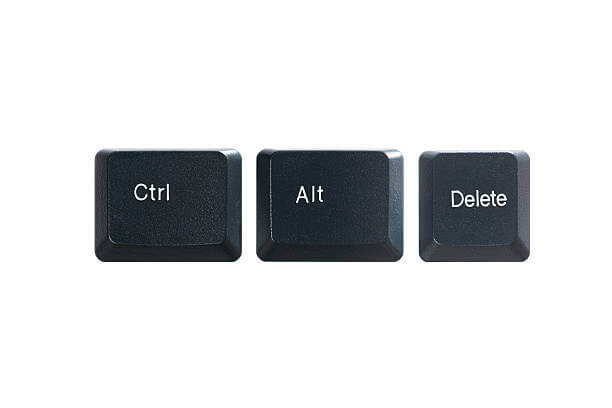
Control + Alt + Del not Working on Windows PC? Here’s the Fix!
Introduction Keyboard shortcuts make it much easier to do a lot of tasks on computers. One of the most valuable shortcuts that carry out functions is pressing the Ctrl, Alt, and Delete keys simultaneously. Together, the shortcut effectively kills applications that are using up a lot of memory, stopping non-responsive processes, and even restarting the […]

How to disable feedback notifications on Windows 10 and 11?
Windows 10 and 11 are Microsoft’s highly optimized versions of this operating system. Loaded with different features, making it a perfect operating system for many personal and professional uses, Windows 10 and 11 aim to facilitate the user experience. However, users may soon get irritated with the annoying feedback notifications. Microsoft asks for feedback, suggestions, […]

8 Ways to Fix Your Windows 10/11 PC Stuck on Restarting
Windows is a dominant operating system. Around 1.4 billion people use Windows 10/11 every day. But, it is not a perfect system. Often people deal with many Windows errors, and the error that we will discuss today is “Windows stuck on restarting.” Windows 10 stuck on restarting is a common error that freezes your screen […]

How to Fix WiFi Keeps Disconnecting on Windows 10?
A McKinsey report states that 35% of people today work from home. And we all know a stable internet connection is essential to work from home. But, when your WiFi keeps disconnecting on Windows 10, you might lose a good work day. Usually, when the internet stops working, people start to blame their service providers. […]
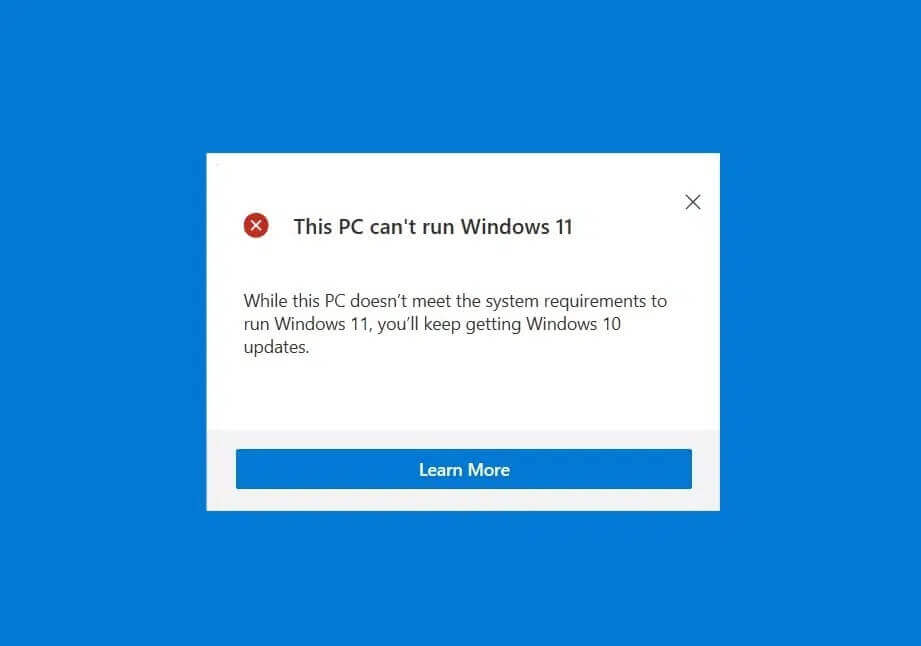
How to Install Windows 11 on an Unsupported CPU?
Since Windows 11 launched in 2021, this Microsoft development has been the talk of the town. Many Microsoft users have installed OS 11, but many are still waiting. That’s because they have an old Windows computer that doesn’t support the new update. If you also have an old computer and wish to install Windows 11, […]

How to Fix Steam Error Code 51 in Windows 10
If you are getting the ‘Steam error code 51’ error on your Windows 10/11 computer when attempting to launch a game installed through the Steam game engine, you have come to the right place. You will be guided through simple steps to resolve the issue here. So let us begin the discussion. ‘Steam Client’: Steam […]
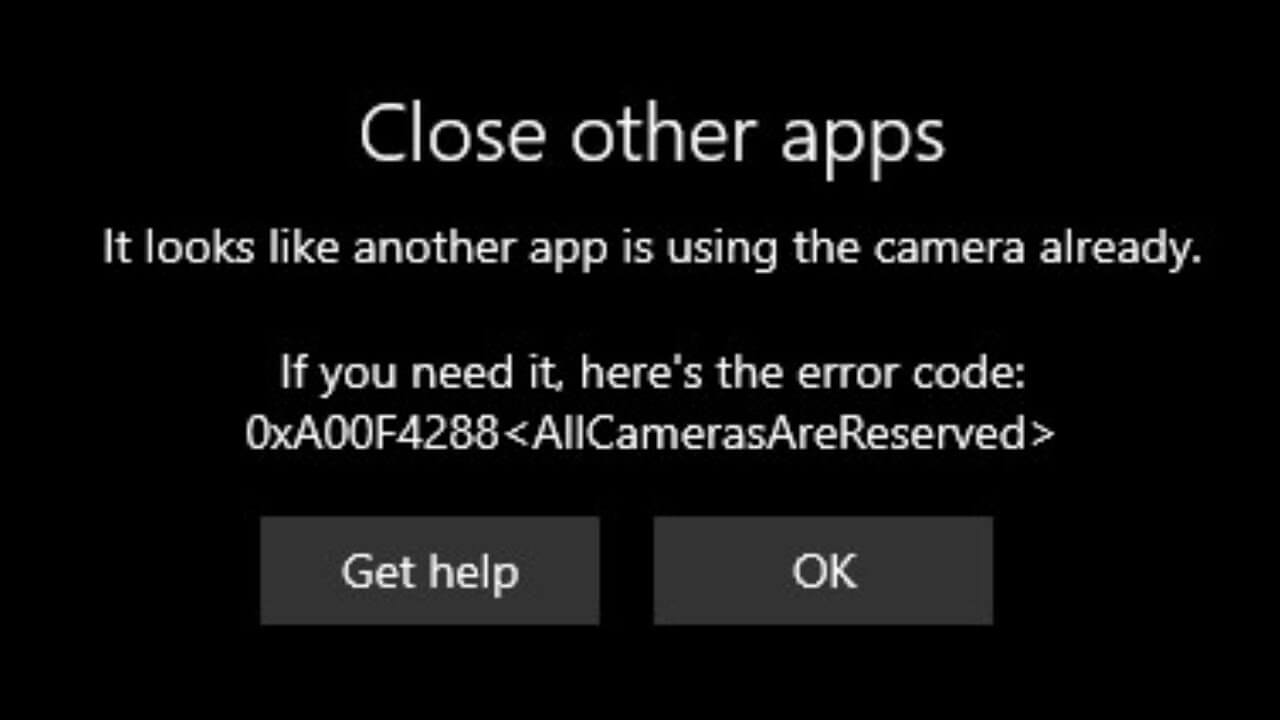
How to Fix the “All Cameras Are Reserved” Error on Windows
Are you trying to open the camera on your Windows PC to have a video call with your team? But every time you click on the video calling app, you get an “All Cameras Are Reserved” error message. This is a 0xA00f4288 error code, often spotted on Windows 10 and now on Windows 11. This […]
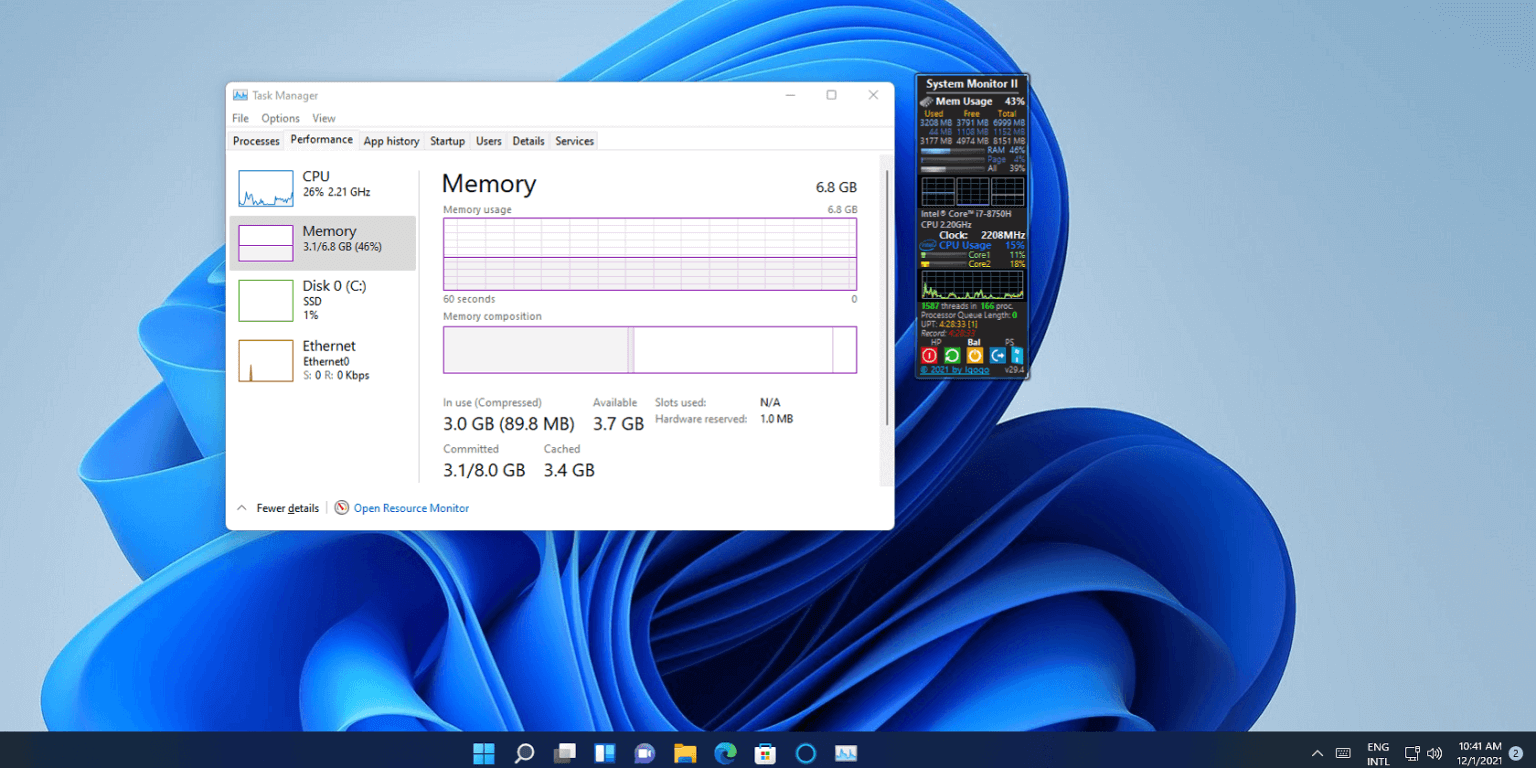
13 Ways to Reduce RAM Usage on Windows PC
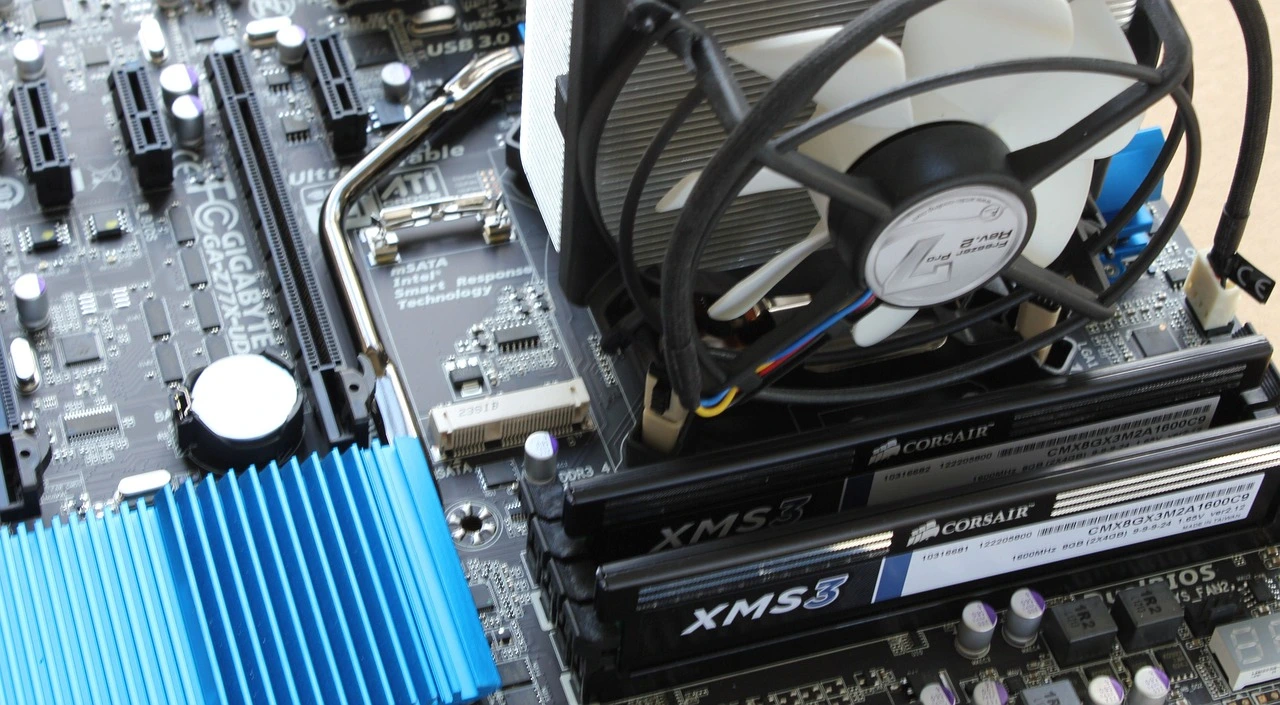
Is your Windows PC lagging, crashing, or freezing on you a lot? Then, this is the case of a bloated RAM. And you have to reduce RAM usage on your Windows PC to solve the problem. Random Access Memory is used by computers to effectively run apps, games, and other operations on your PC. It […]
5 Ways to Change a User Account Type on Windows 11
A Windows account you use to access your system determines the level of your control. For example, Standard account holders can only perform limited activities on the computer. On the contrary, administrative account users have full control over other user accounts and system settings. If you have multiple users listed on your computer, there might […]
How to Create a Virtual Hard Drive in Windows 10/11?
A virtual Hard Drive, aka VHD, is the perfect substitute for your physical hard drives. Whenever you run out of hard drive space, you can create a virtual hard drive in Windows 10/11 and expand your storage space. Sounds like a complex process? Well, no. It is not at all hard to create a VHD […]