Category: How To
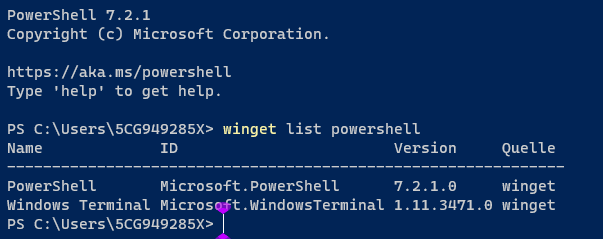
How To Fix PowerShell Has Stopped Working or Not Opening in Windows
While operating Windows, people can expect high-grade functionality and simple usability throughout. However, some errors occur and cause issues with steady operations or at least disrupt other functions to some extent. The “Windows PowerShell not opening” error is one such issue that is rare but can affect regular functions for users. Best Ways for Fixing […]
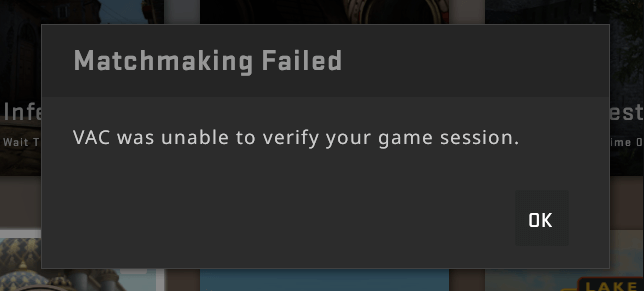
How to fix VAC was unable to verify the game session?
Have you received the “VAC was unable to verify your game session” message recently? Let us know all about this error observed during the matchmaking process in Steam details. We’ll go through the top reasons, quick checks, and detailed fixes for managing this VAC issue. Why VAC was unable to verify the game session? Valve’s […]

How to clean your keyboard Without Damage?
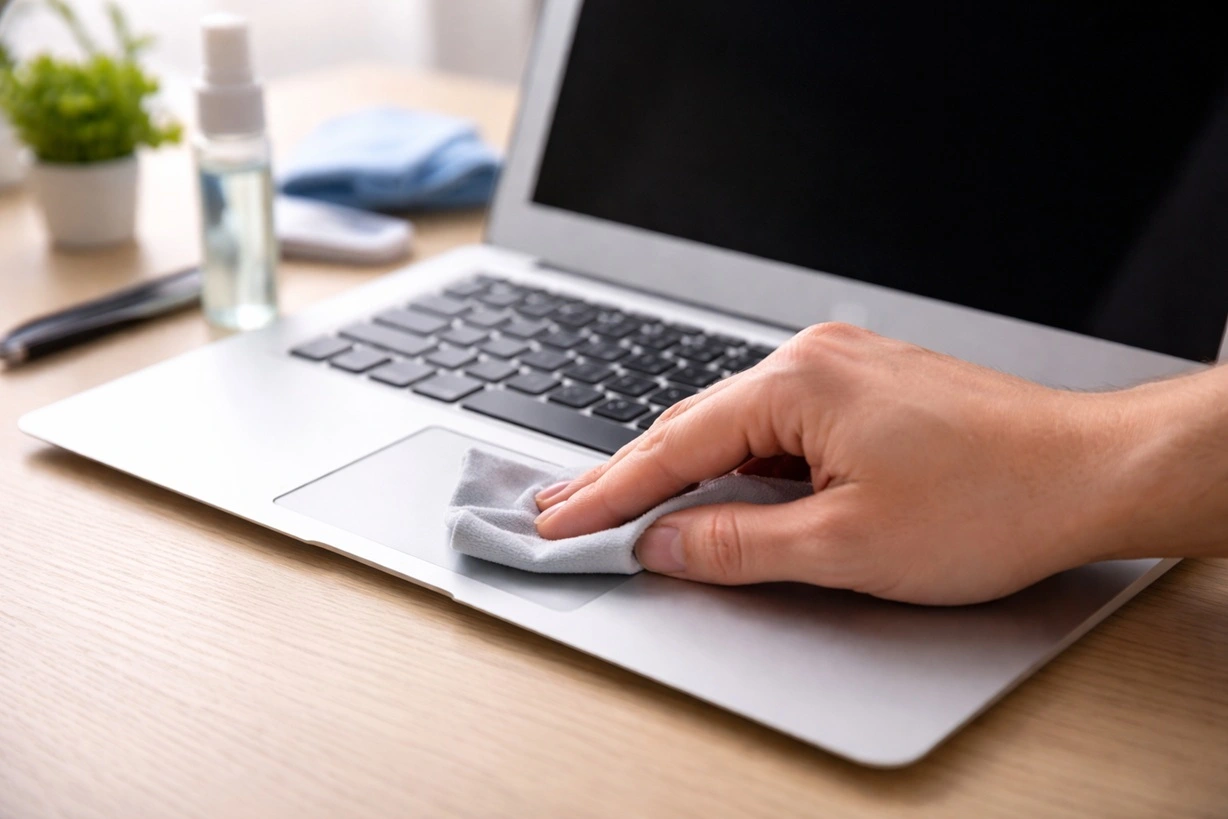
How often do you clean your keyboard? Do you usually have to rush to the service center to get your keyboard repaired only to know the dust and debris that caused damage to the internal components? Well, cleaning the keyboard is no rocket science. You can quickly achieve excellent results once you understand the proper […]
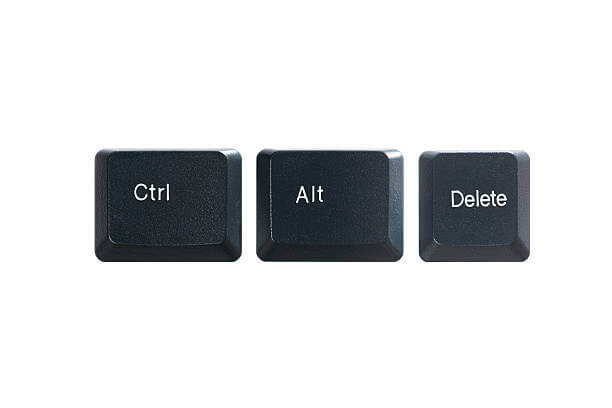
Control + Alt + Del not Working on Windows PC? Here’s the Fix!
Introduction Keyboard shortcuts make it much easier to do a lot of tasks on computers. One of the most valuable shortcuts that carry out functions is pressing the Ctrl, Alt, and Delete keys simultaneously. Together, the shortcut effectively kills applications that are using up a lot of memory, stopping non-responsive processes, and even restarting the […]
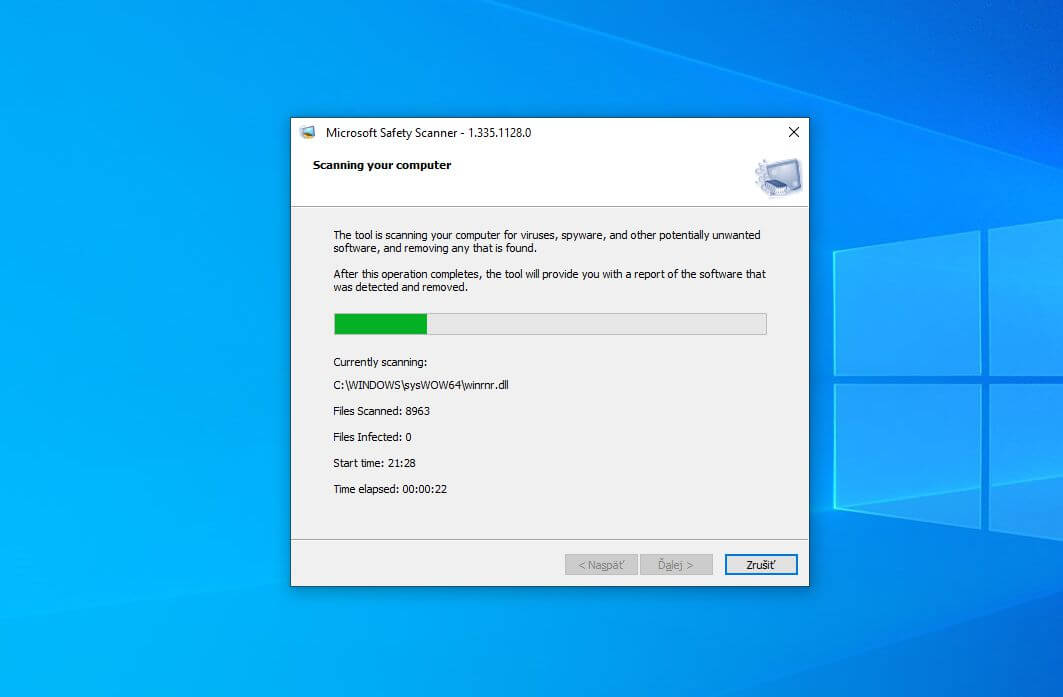
How To Use Microsoft Safety Scanner To Scan For Malware?
Seamless internet connectivity is essential for any system to perform various functions effectively. However, this internet connection comes at the cost of increased cyber threats. The personal and professional data of the users is at stake with malware trying to enter the systems. Hence, there is a need for a straightforward and effective solution to […]

How to disable feedback notifications on Windows 10 and 11?
Windows 10 and 11 are Microsoft’s highly optimized versions of this operating system. Loaded with different features, making it a perfect operating system for many personal and professional uses, Windows 10 and 11 aim to facilitate the user experience. However, users may soon get irritated with the annoying feedback notifications. Microsoft asks for feedback, suggestions, […]

8 Ways to Fix Your Windows 10/11 PC Stuck on Restarting
Windows is a dominant operating system. Around 1.4 billion people use Windows 10/11 every day. But, it is not a perfect system. Often people deal with many Windows errors, and the error that we will discuss today is “Windows stuck on restarting.” Windows 10 stuck on restarting is a common error that freezes your screen […]
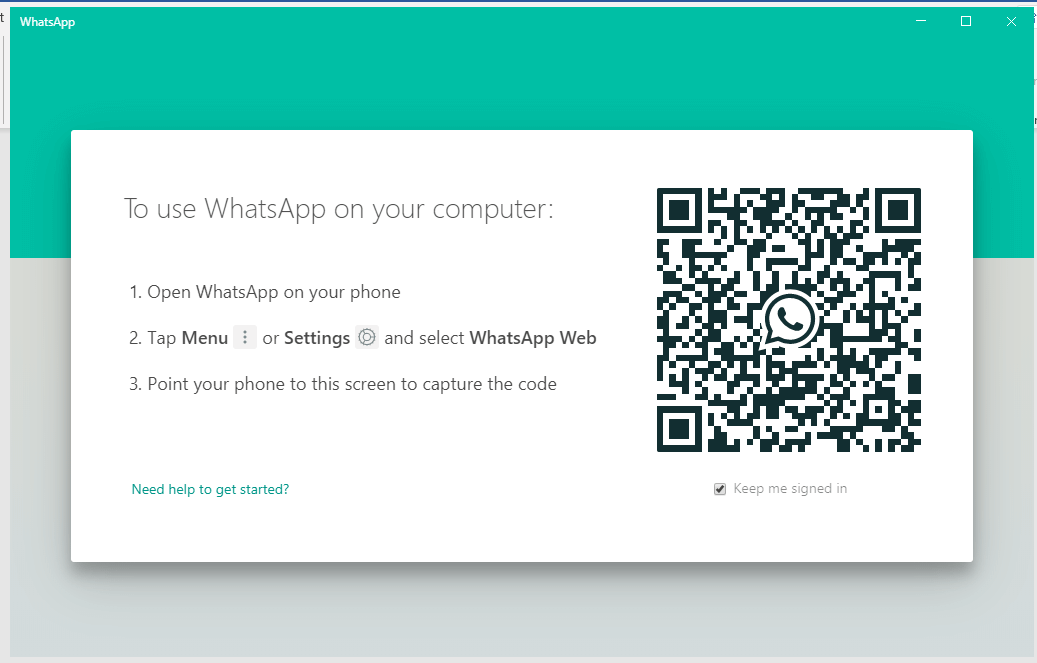
How to Fix WhatsApp Desktop Not Working on Your Computer?
WhatsApp Desktop is the popular WhatsApp app’s official desktop client. The desktop version allows you to view, replay, and send messages without accessing your smartphone. Unfortunately, the desktop client does not support video or audio calling as of now. WhatsApp Desktop has been available for a few years. Several fixes and improvements have been made […]

How to Fix WiFi Keeps Disconnecting on Windows 10?
A McKinsey report states that 35% of people today work from home. And we all know a stable internet connection is essential to work from home. But, when your WiFi keeps disconnecting on Windows 10, you might lose a good work day. Usually, when the internet stops working, people start to blame their service providers. […]
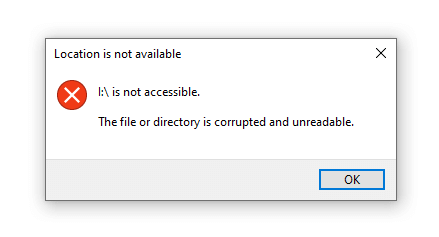
How to Fix ‘The File or Directory is Corrupted and Unreadable’ Error?
Is your Windows computer displaying the 0x80070570, or the file or directory is corrupted and unreadable error code? While the error is less standard in newer Windows versions such as 10 or 8, some users still experience it. The error typically occurs when a file or a drive sector becomes corrupted. However, people also occasionally […]