Category: Windows
How to Fix Steam Error Code 51 in Windows 10
If you are getting the ‘Steam error code 51’ error on your Windows 10/11 computer when attempting to launch a game installed through the Steam game engine, you have come to the right place. You will be guided through simple steps to resolve the issue here. So let us begin the discussion. ‘Steam Client’: Steam […]
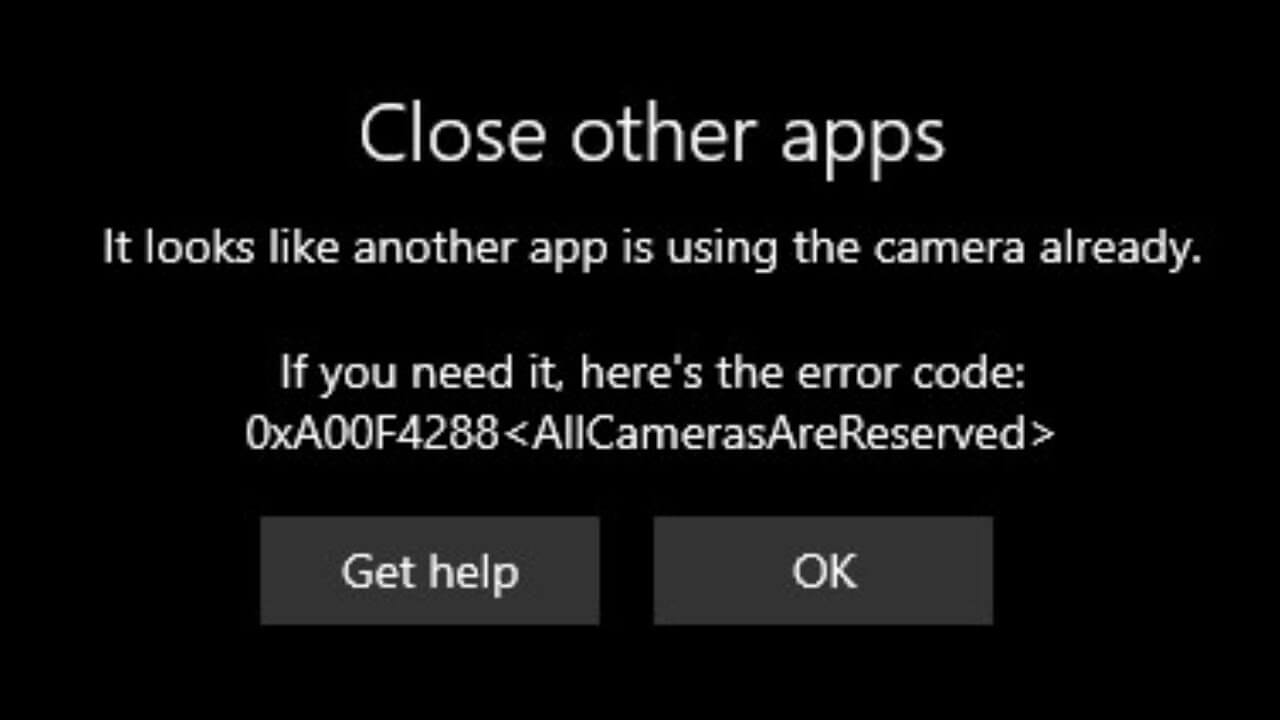
How to Fix the “All Cameras Are Reserved” Error on Windows
Are you trying to open the camera on your Windows PC to have a video call with your team? But every time you click on the video calling app, you get an “All Cameras Are Reserved” error message. This is a 0xA00f4288 error code, often spotted on Windows 10 and now on Windows 11. This […]
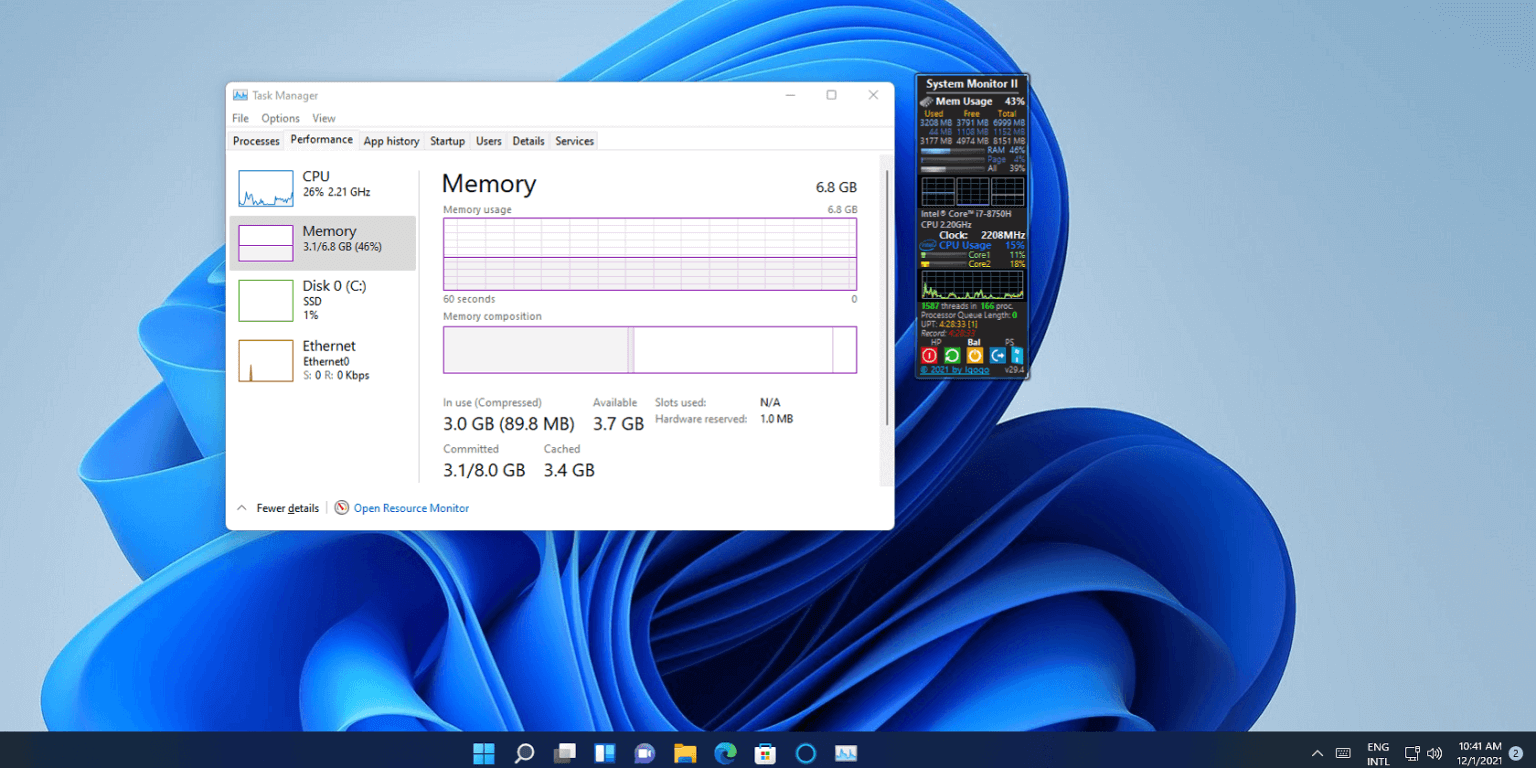
13 Ways to Reduce RAM Usage on Windows PC
Is your Windows PC lagging, crashing, or freezing on you a lot? Then, this is the case of a bloated RAM. And you have to reduce RAM usage on your Windows PC to solve the problem. Random Access Memory is used by computers to effectively run apps, games, and other operations on your PC. It […]
5 Ways to Change a User Account Type on Windows 11
A Windows account you use to access your system determines the level of your control. For example, Standard account holders can only perform limited activities on the computer. On the contrary, administrative account users have full control over other user accounts and system settings. If you have multiple users listed on your computer, there might […]
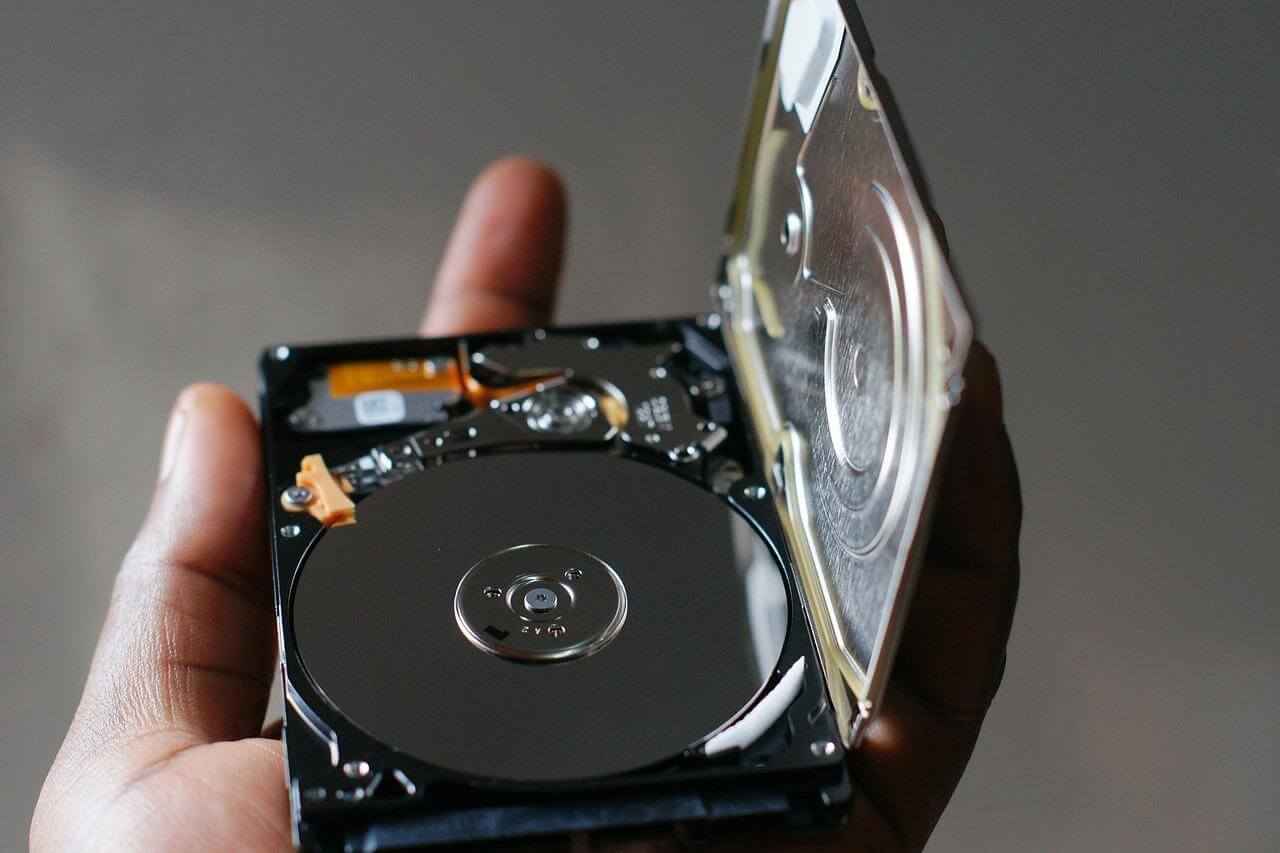
How to Create a Virtual Hard Drive in Windows 10/11?
A virtual Hard Drive, aka VHD, is the perfect substitute for your physical hard drives. Whenever you run out of hard drive space, you can create a virtual hard drive in Windows 10/11 and expand your storage space. Sounds like a complex process? Well, no. It is not at all hard to create a VHD […]
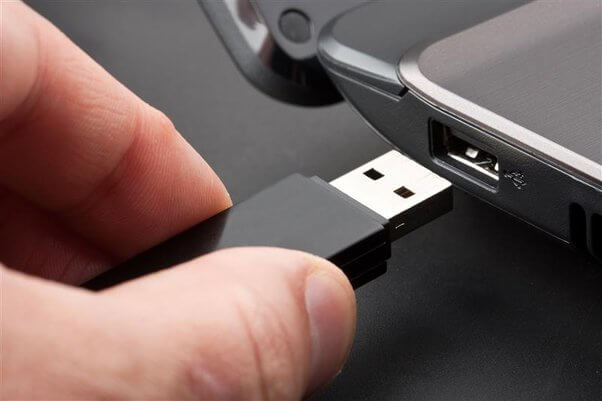
6 Ways to Check If a USB Drive Is Bootable in Windows
Have you booted a USB drive? And now wondering whether it is optimized properly or not? In that case, you don’t have to restart your PC to check your USB drive. Instead, there are ways to check if a USB drive is bootable in Windows without rebooting your device. If you have the ISO and […]
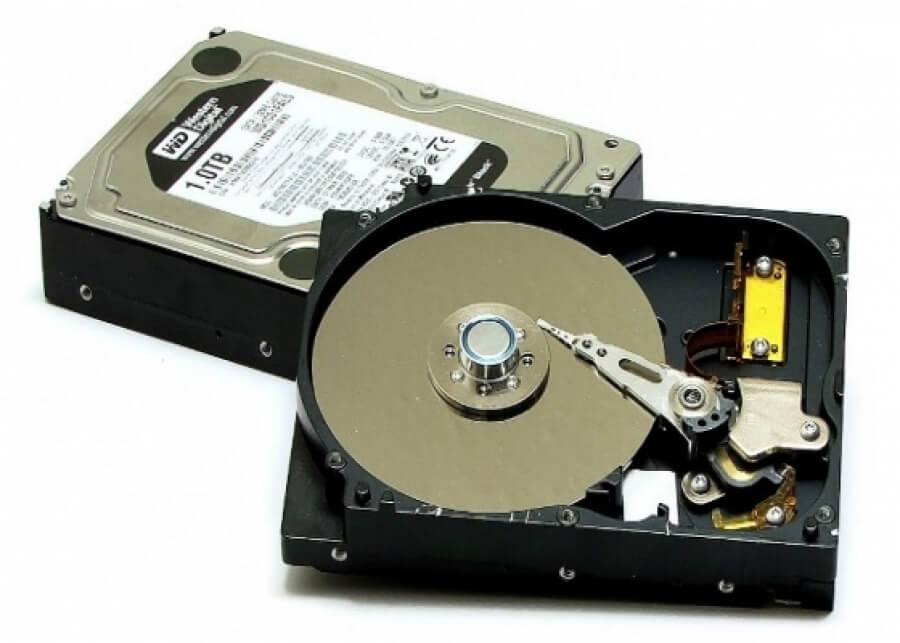
How to Check Hard Disk Health in Windows – Complete Guide
Your hard disk is the heart of your PC. It stores all the important data and keeps your PC running smoothly. Unfortunately, that means the bad health of your hard disk can make your computer very slow and sluggish. Thus, checking hard disk health in Windows regularly for a high-performing computer system is important. But […]
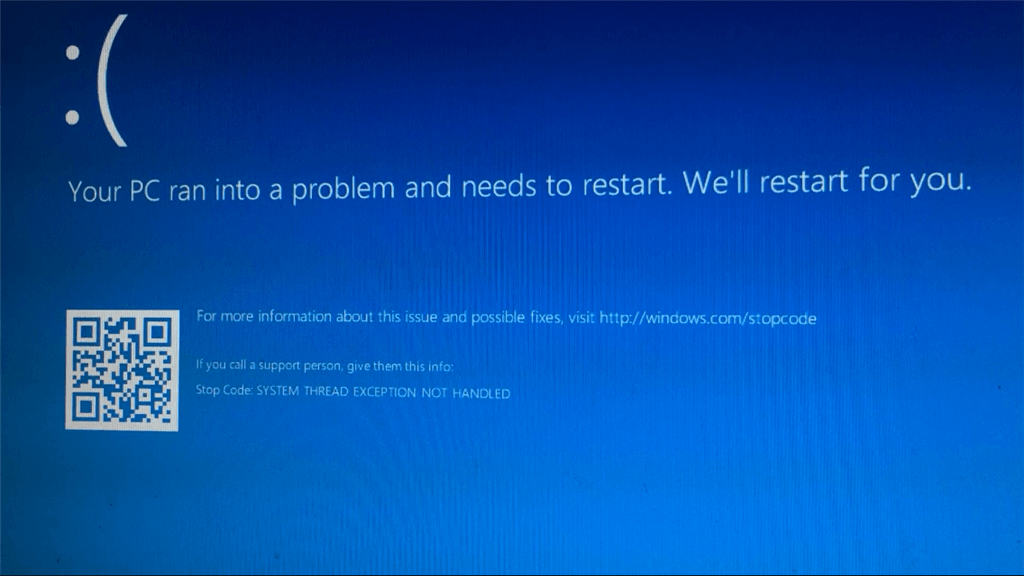
How to Fix System Thread Exception Not Handled Error Windows 10/11?
Imagine starting your PC, but instead of your desktop screen, you get the System Thread Exception not Handled error message with a big sad face. Your first instinct will be to restart your PC. But never do that! It will only complicate the situation. Usually, a bad driver installed on your machine is the culprit […]

How to Fix 0xc0000005 Error in Windows [Complete Guide]
Windows is an excellent operating system. For decades, Windows ruled the market with awesome graphic administration. But unfortunately, some of the Windows installations have been error-prone over time. However, things have become more complicated with the 0xc0000005 error in Windows. 0xc0000005 error is now pretty common with Windows devices when you launch third-party tools. And […]
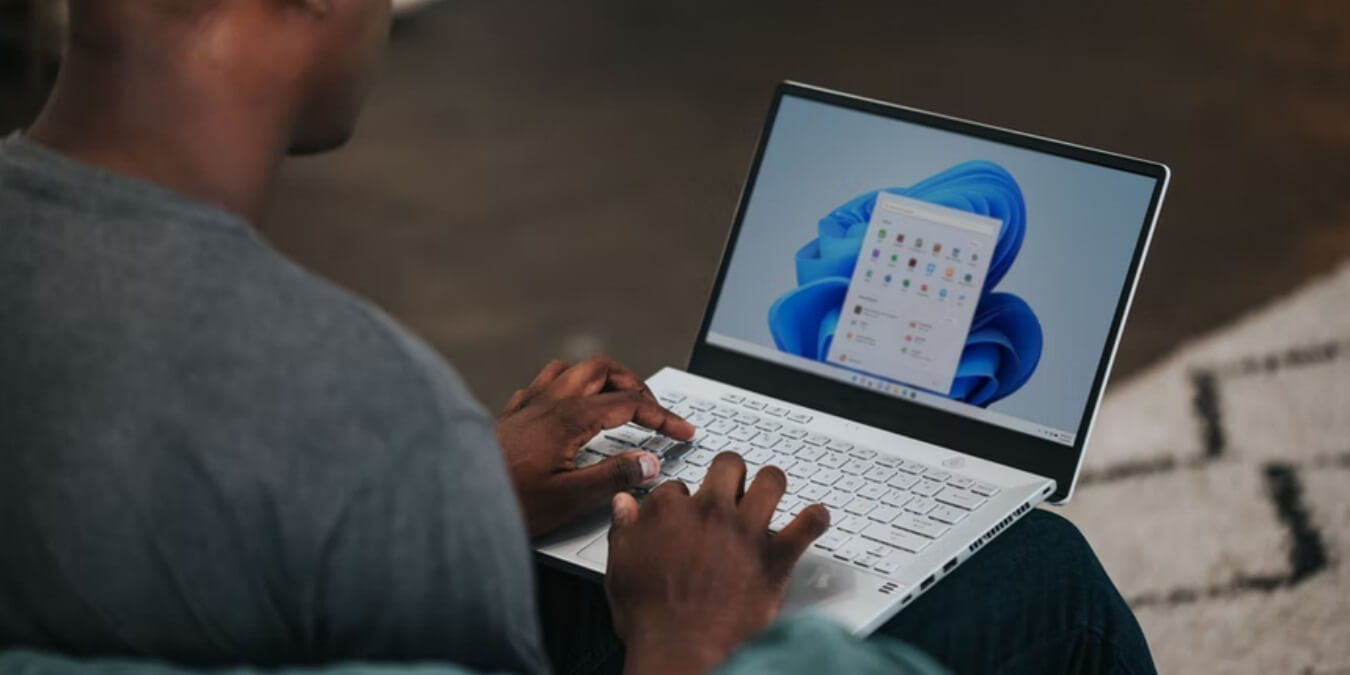
How to Fix System Tray Icons Missing on Windows 11?
Windows 11 has been a big development. But over time, many users have reported technical glitches with it. And the glitch that we will discuss today is system tray icons missing on Windows 11. Many users have found blank spaces on their system tray were native and third-party software icons are supposed to be. In […]